1. Scan your cards
- Tap + at the bottom right.
- Choose Scan Cards, or Choose Photos to pick several card photos at once.
- AiCards reads each card on the device and adds the person to your list.

Scan a stack of cards, keep every job title, and save everyone to your iPhone at once. All read on your device, with no account and no server.
Free to start, Pro free for a month. iPhone with iOS 26 or later. Web app works in any browser.

Events, sales meetings, trade shows. Stop typing cards in by hand.
Point the camera at each card or pick photos from your library. AiCards finds the card's edges and reads it in seconds, in English and Arabic.
Name, job title, company, phones, emails, website and address all land in the right place. The title sits under every name in your list.
One tap adds every new person to Apple Contacts. People who are already there are matched, never added twice.
Keep a trade show, a client or an investor round together. Cards you scan while a group is open go straight into it.
Send a group as a link, a QR code or a contact file. The contacts travel inside the link itself, and it opens in AiCards or any browser.
No account, no server, no tracking. Cards are read on your iPhone with Apple Vision and Apple Intelligence, and stay there.
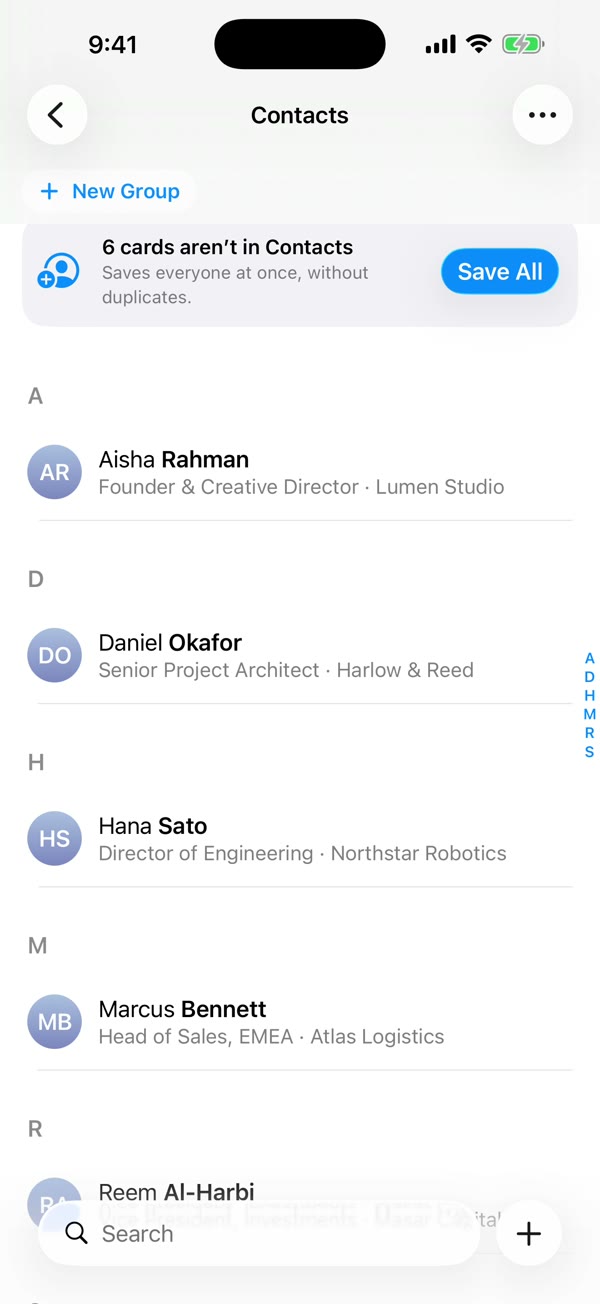
A clean A to Z list with monograms, job titles and companies, in light or dark. If you know Apple Contacts, you already know AiCards.
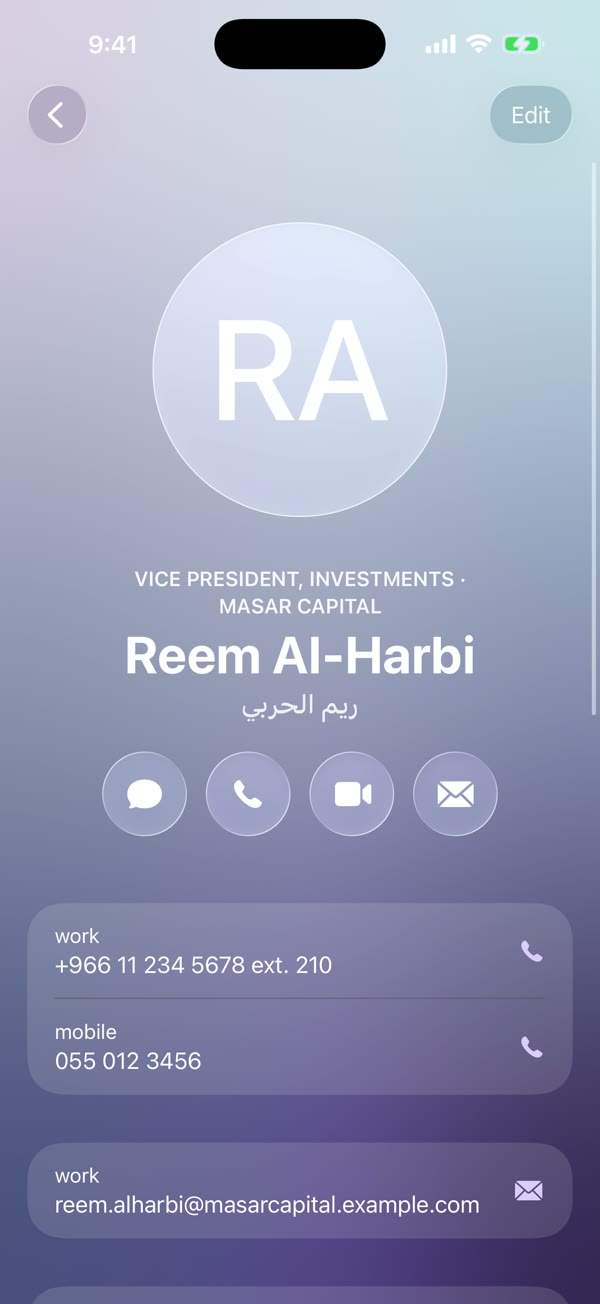
Call, message, FaceTime or email straight from the card. Arabic names are kept alongside the English ones.
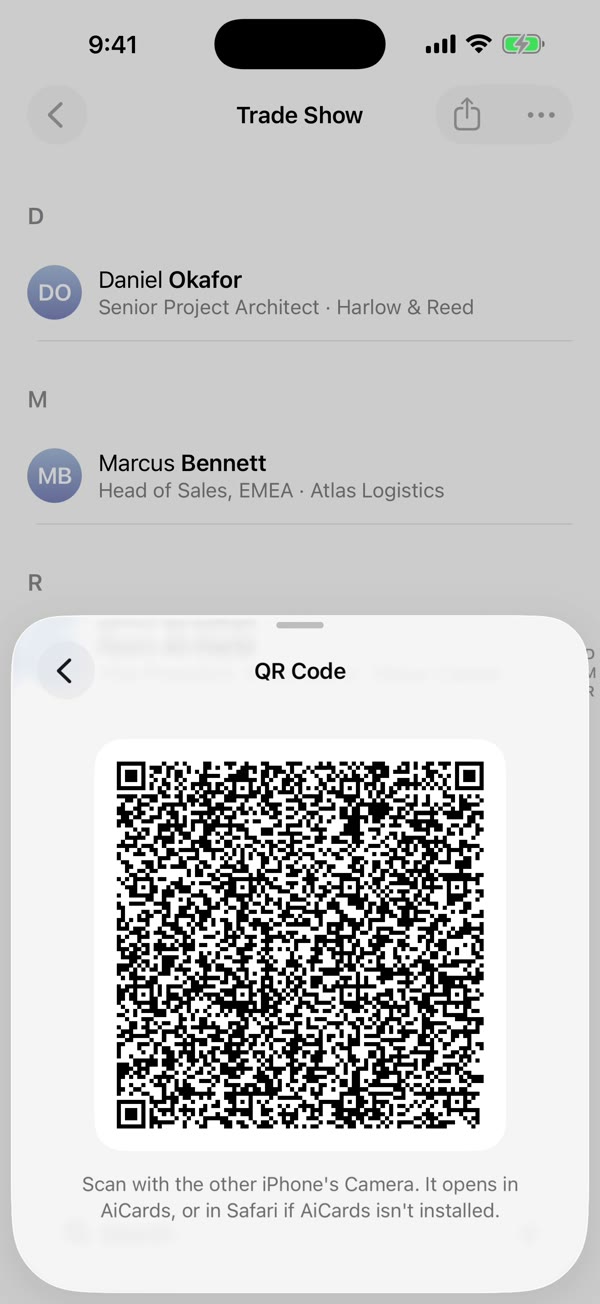
Show a QR code and they have the whole group on their phone. Nothing is uploaded, so there is nothing to leak.
Real recordings of the app. Three steps from a pile of cards to a shared group.
More guides, including groups, contact details and deleting your data, are on the Support page.
Start free. Try Pro free for a month when you need more.
$0
For the occasional card.
First month free
$5 a month
or $50 a year, two months free.
$0
In any browser, on any computer.
Pro is a subscription through the App Store, in your local currency. It renews automatically until you cancel in your iPhone's Settings, at least a day before the period ends. Cancel during the free month and you pay nothing. Terms of Use · Privacy
Free on the App Store. Scan your first cards in seconds, then try Pro free for a month when you need more.
Requires iOS 26 or later.
Yes. The iPhone app scans 10 cards a month and keeps 2 groups for free, and the web app is free with no limits. AiCards Pro removes the iPhone limits for $5 a month or $50 a year, and your first month is free.
On your iPhone, open Settings, tap your name, then Subscriptions, and choose AiCards. Cancel before the free month ends and you pay nothing. Your cards stay in AiCards either way.
No. Pro is bought with your Apple Account through the App Store, so there is still no AiCards account. Restore Purchases in Settings brings it back on a new iPhone.
Only on your device. AiCards has no server, so cards, photos and groups never leave your iPhone or browser unless you share them.
Yes, on the device. The iPhone app uses Apple Vision to read the text and Apple Intelligence to tell a name from a job title. Nothing is sent to an AI service.
An iPhone with iOS 26 or later for the app. The web app works in any modern browser on a phone or computer.
Yes. Everyone you scan stays in AiCards, searchable and grouped, until you choose to save them.